Company Setup

Contents
CAUTION: This feature should only be used by a System Manager.
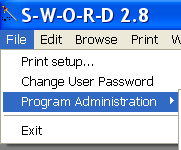
Company Setup is found under the File > Program Administration > Company Setup menu option.
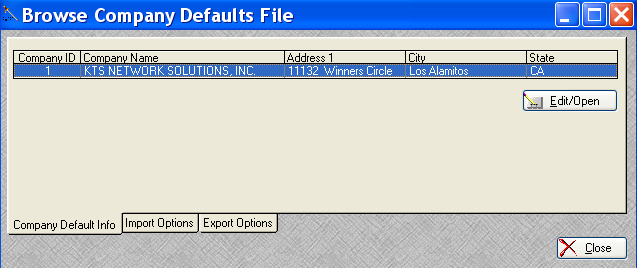
Company default settings may be accessed from the window above by clicking on the Edit/Open button.
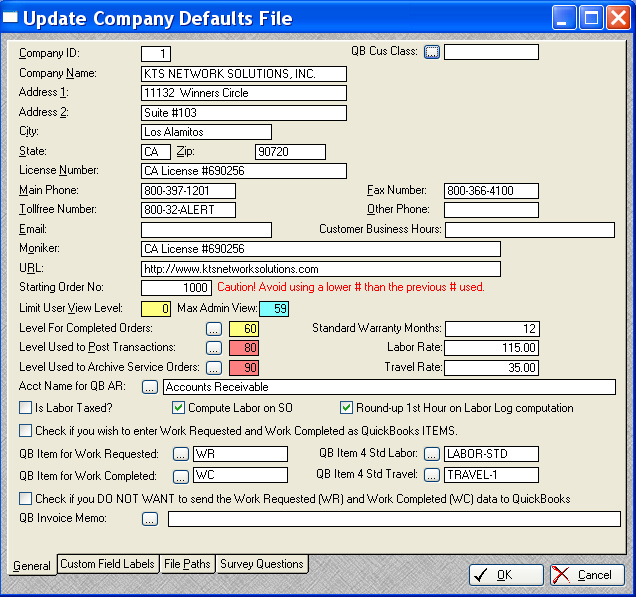
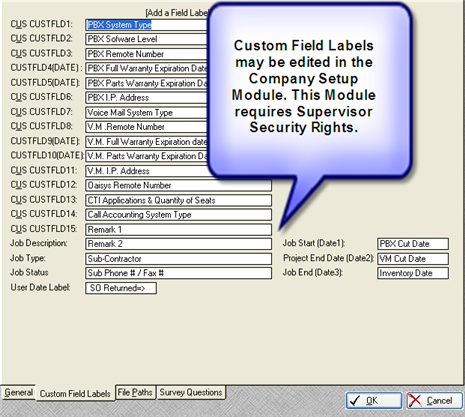
Open the Company Setup Window and set the Survey tab.
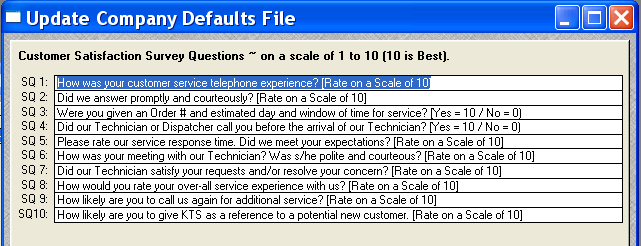
SWORD provides up to 10 default Survey Questions, which are designed to be answered by a scale of 1 to 10 (10 being the best).
Yes or No questions can be handled by:
Yes = 10 or No = 0
Also see: