Active Orders by Filtered View

Contents
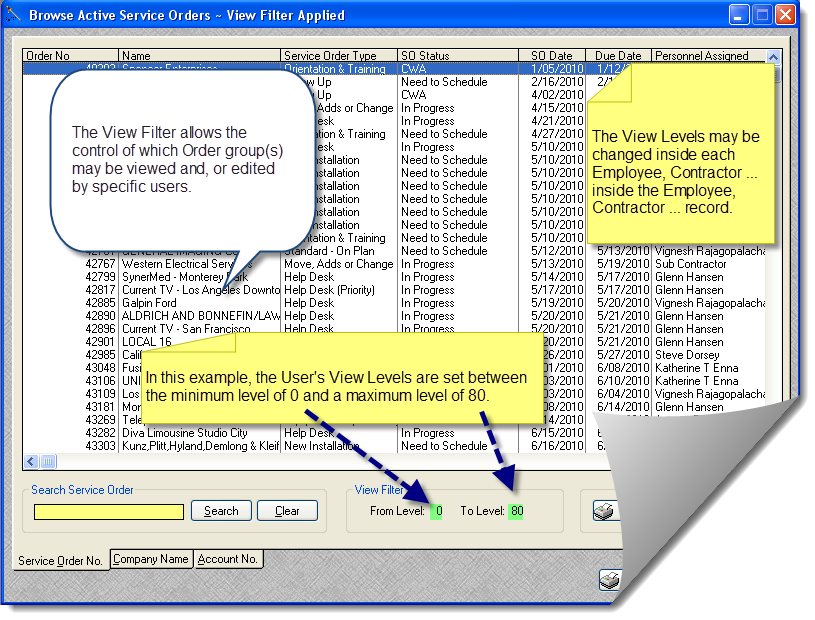
Use the View Level Filter to restrict or focus specific group(s) of orders for specific users.
User Tip: This Active Orders by Filtered View Browse Table is designed to control what specific users are allowed to view, or edit a range of orders by "view filter."
To change the User's View Level for this table:
Browse > Employees ... > Locate Employee to change settings > Click [Edit] button Set Min View .. and Max View > Click [OK] button.